

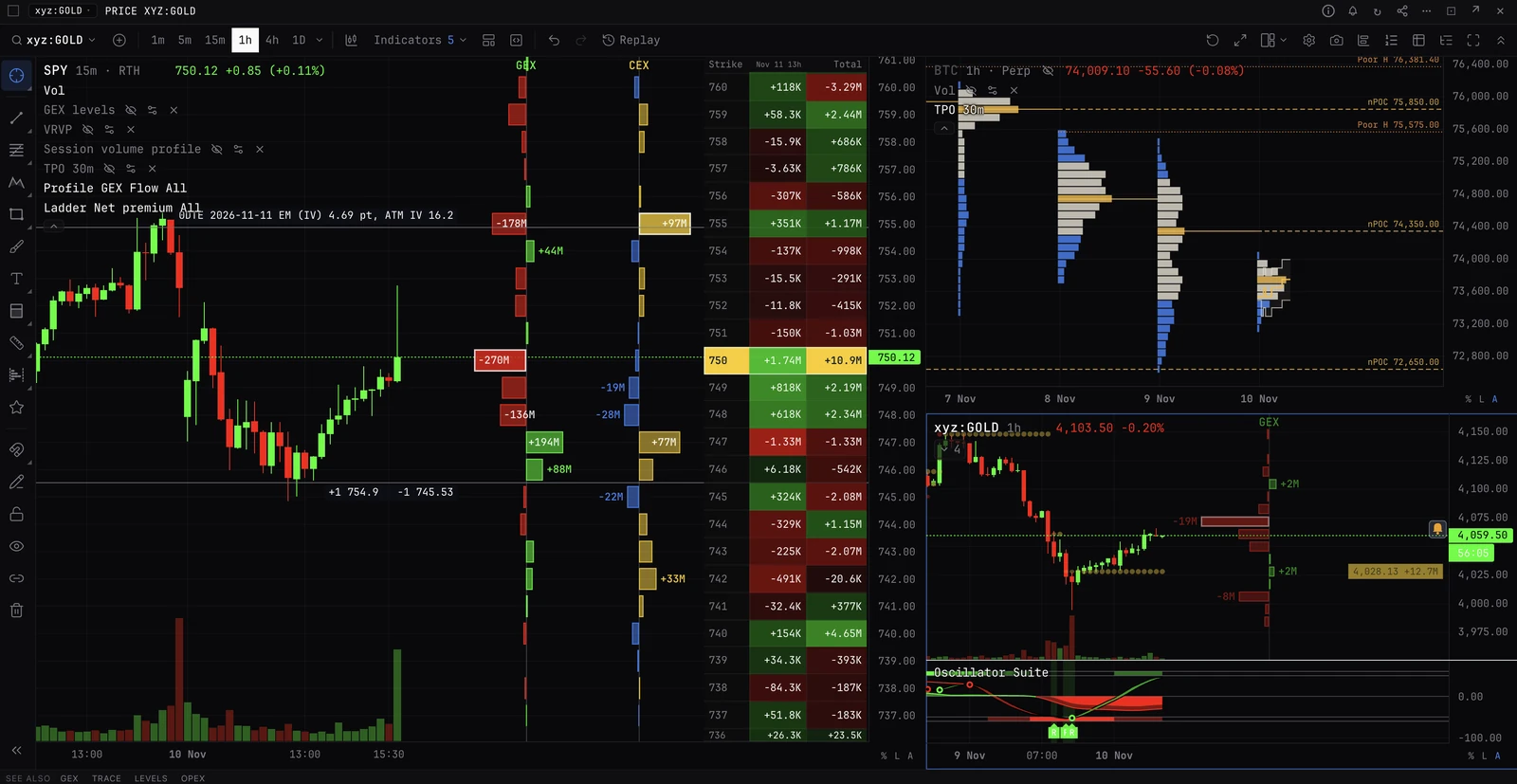
Daily Notes
BackQuant's written notes for each trading session, published on a schedule: BTC before the New York open and for the Asia session, and US equities before the open and after the close. Each is a short read of the session ahead, or of the day just closed, naming the levels to watch. The terminal titles the panel Daily Desk Note.
REPORTREPORTSBRIEFBTC and US equities.
Typing it
REPORT[Slot]>REPORTasia
Opens the BTC Asia setup note.
What you see
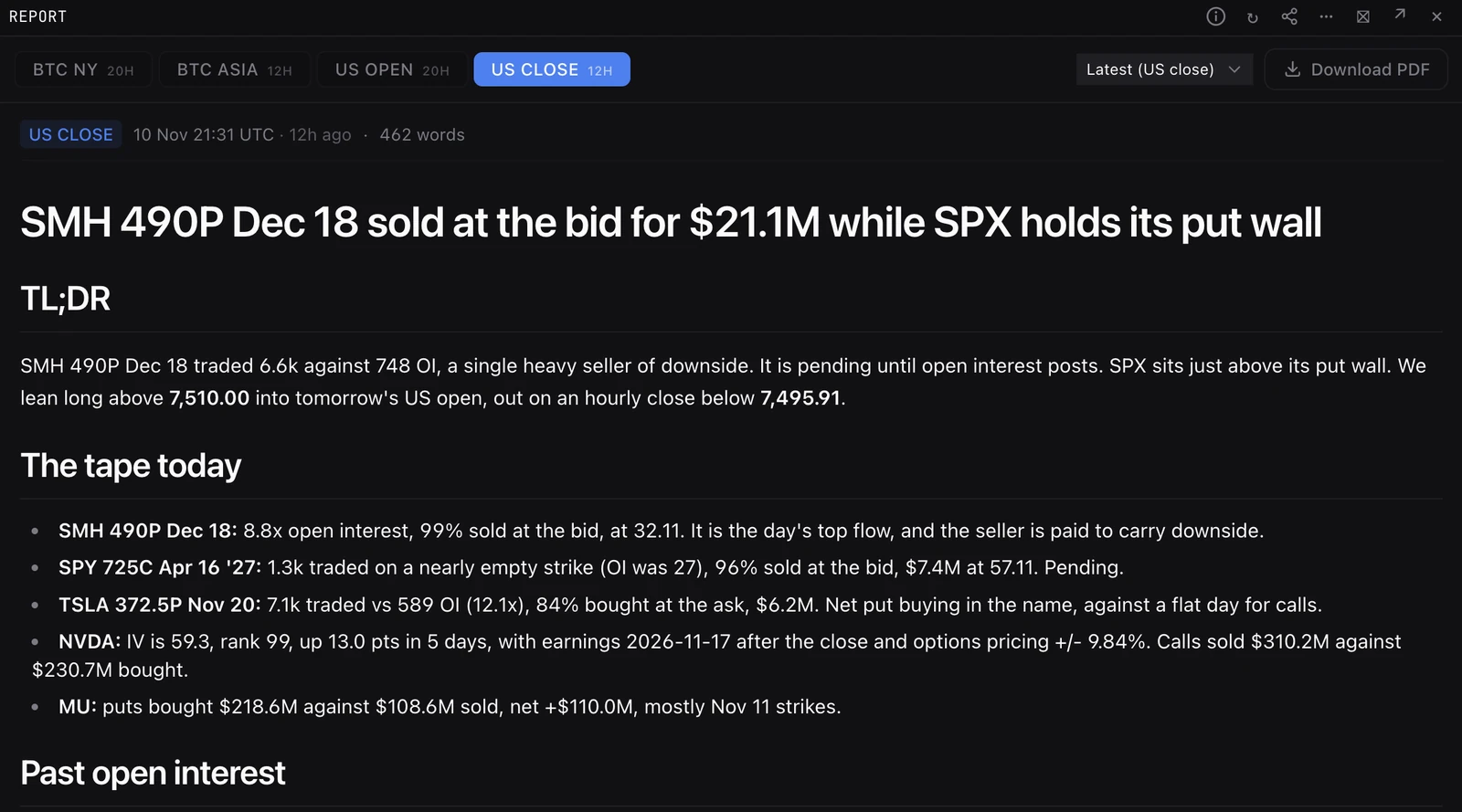
- Tabs. BTC NY, BTC ASIA, US OPEN and US CLOSE, each with the age of its latest note, or pending until the day's note is out.
- The note. The note itself, with its headline, stamped with when it was written in UTC, which is also when its data was captured.
- History. A dropdown of the last 20 notes in the open slot, to jump back.
- Download PDF. Exports the note that is open.
Slots
- ny
- BTC NY pre-open, out at 08:45 ET.
- asia
- BTC Asia setup, out at 22:00 UTC.
- us
- US equities pre-open, out at 08:45 ET. spx works too.
- close
- US close recap, out at 16:30 ET. recap works too.
Good to know
- REPORT with no slot opens on the newest note.
- On the free plan the two BTC notes are open; the US equity notes and the archive are paid.
- For a write-up on demand, BackQuant AI (AI) has one-click Reports, such as the daily desk brief. Your own notes go in NOTE.
Pairs well with
Questions
When are the notes published?
BTC NY at 08:45 ET, BTC Asia at 22:00 UTC, the US pre-open at 08:45 ET and the US close recap at 16:30 ET.
How do I read an older note?
Pick it from the History dropdown. It lists the last 20 notes of the open slot.
Does DESK open these notes?
Not any more. Typing DESK says REPORT opens what it did; REPORTS and BRIEF still open these notes. Desks other traders share are in HUB (DESKS works too).