

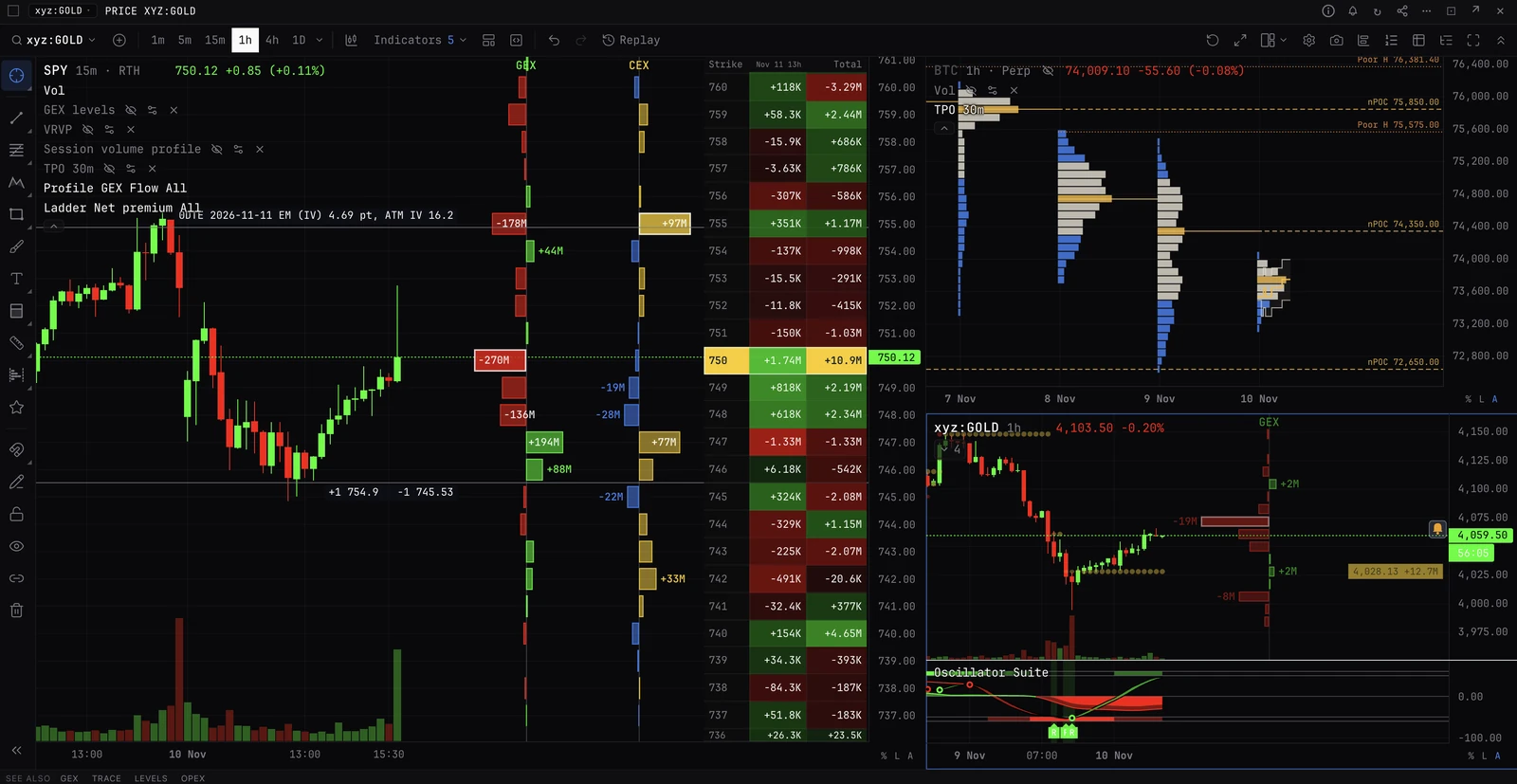
BackQuant AI
Ask in plain English and get answers built from live BackQuant data. Every lookup shows as it runs, so you can see where each number came from, and it can open panels and set up watches for you.
AIASKCHATAIAICHATEverything the terminal covers: crypto and US options, US options flow and dark pool prints, perps and liquidations, ETFs, macro, COT and stock research.
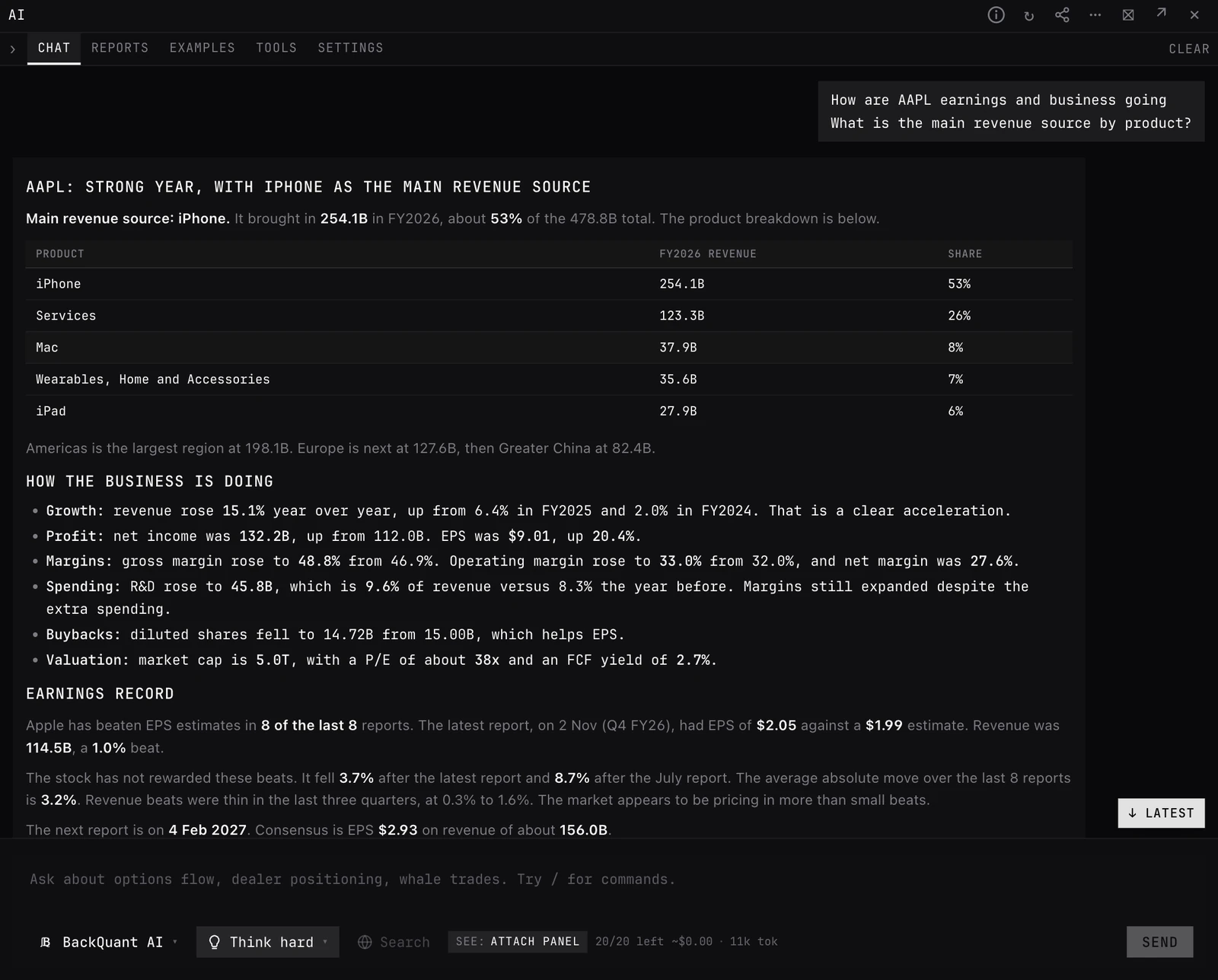
Typing it
AIWhat you see
- Chat. Your conversation. Each data lookup appears inline as it runs, and each answer shows what that turn cost.
- Reports. Seven one-click write-ups made on demand, from the Daily desk brief to Vol state and Dealer positioning, on BTC or ETH, or the Equity desk brief on a US ticker. Each posts into Chat. Scheduled session notes are REPORT.
- Examples. Ready-made questions by topic: pre-settle, whale flow, IV, positioning, macro and your own workspace. A click puts one in the box.
- Tools. Everything the assistant can look up or do, grouped by area.
- Settings. Which model answers, chat history, long-term memory, agent actions, privacy and data sharing.
What it can do
- Read GEX and levels, options flow, dark pool prints, IV, perps, liquidations, macro and research data, and the panels you have open.
- Open, focus and close panels, switch a panel’s symbol and save your workspace. These are on by default.
- Load a preset desk or clear the workspace, once you allow it. It asks first, with Allow and retry.
- Create watches on a level cross, a gamma regime flip, a price, whale prints or dark pool prints, and pause, resume or delete them.
- It cannot place, change or cancel orders.
Models, keys and privacy
- Included model. BackQuant AI answers with no key and no cost to you: 5 messages a day on the free plan, 20 on a paid plan.
- Your own key. Add an API key from any of seven other providers in Settings to use their models. Keys stay in your browser, and are also kept encrypted in your account while key sync is on.
- Consent. Before the first answer it asks you to agree to send your question, the chat and your screen context. Nothing is sent until you press Agree.
- Memory. Chat history is kept and synced by default. Long-term memory is off until you turn it on.
Controls in the chat box
- Model
- Which model answers. BackQuant AI by default.
- Think
- Think off, Think fast or Think hard: how long the model reasons before answering. Off by default.
- Web search
- Lets the model search the web. Only with your own key, on providers that offer it.
- Images
- Attach up to 4 images, 5 MB each, such as a chart screenshot.
- N/M left
- Messages left today on the included model.
- Cost
- The chat’s running cost and tokens. Zero on the included model.
- / commands
- /new, /clear, /stop, /report, /memory, /reasoning, /settings and more. Type / to see them.
Good to know
- Each agent action has its own switch under Settings, Agent actions, with a log of the last 50 actions it took.
- Watches made from a chat go to the app and any push or Telegram you have set up, but not to email.
- An answer is only as current as the data it looked up. Check the lookups when a number matters.
Pairs well with
Questions
What can I ask?
Anything the terminal’s data can answer: where the gamma walls are, what flow hit the tape, how IV compares with realized vol, what is moving in perps, and so on. Examples has ready-made questions.
Can it change my workspace?
Yes, when you ask. It can open, focus and close panels, switch symbols, save the workspace and set up watches. Loading a preset desk or clearing the workspace waits until you allow it, and every action can be switched off in Settings.
Do I need my own API key?
No. The included BackQuant AI model needs no key: 5 messages a day free, 20 on a paid plan. With your own API key, added in Settings, messages are unlimited.