

Strike Ladder Heatmap
Dealer GEX, DEX, vanna, charm, vega, open interest, position, premium or volume as a strike ladder around spot, for up to four tickers side by side. It shows at a glance which strike dominates the book.
HEATMAPHMHEATCrypto options on BTC, ETH, SOL and HYPE, and the 45 US options names (4 indices, 14 ETFs and 27 stocks). XRP and other symbols show a notice.
Typing it
HEATMAPSymbol[Metric][ladder | grid][std | flow][Expiry]What you see
- Rows. Strikes, highest on top, centred on spot. The boxed strike is the one nearest spot.
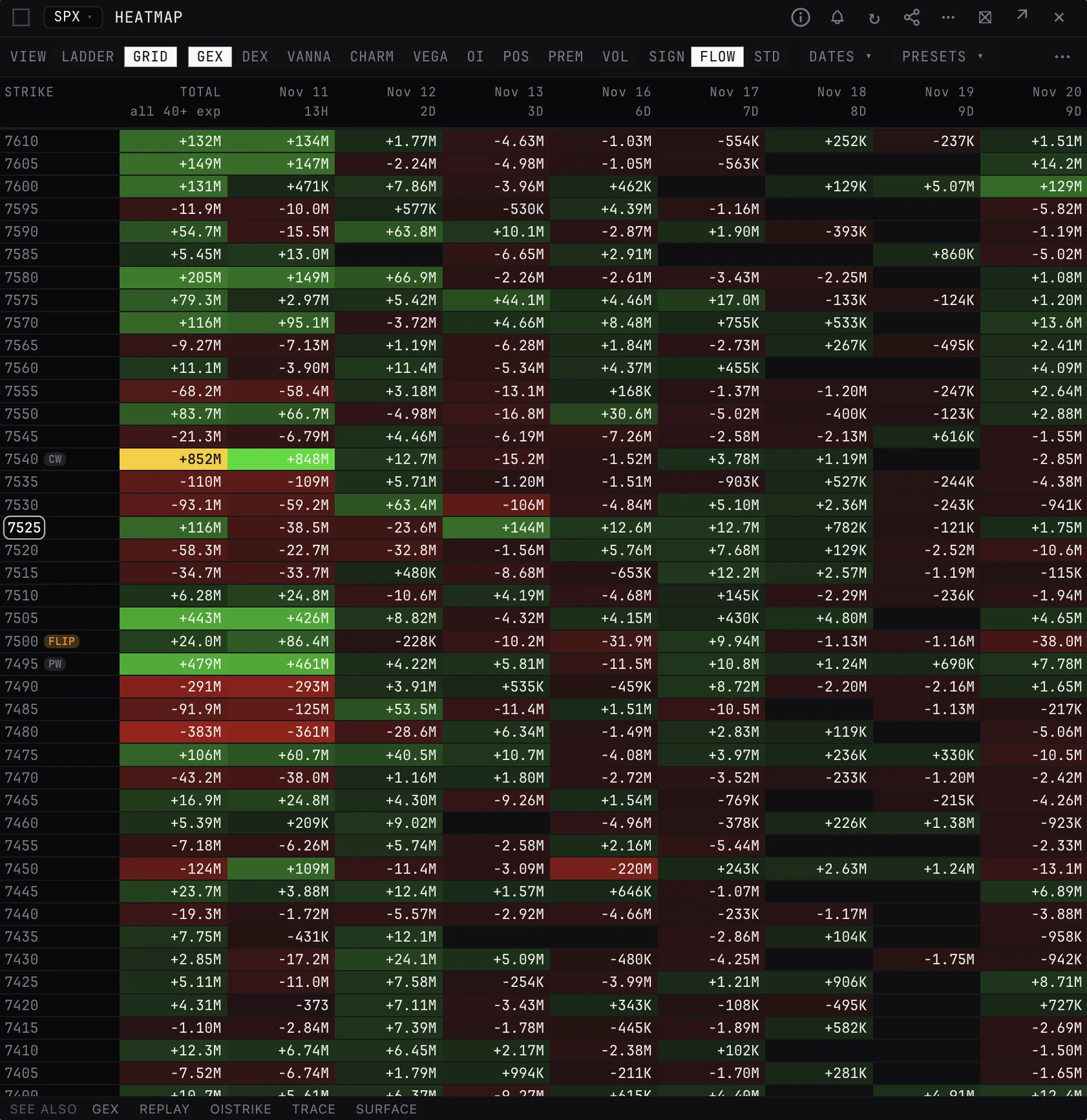
- Colour. Teal positive, violet negative, gold the peak strike. The gear changes the palette.
- Tags. FLIP (the gamma flip, amber), CW (call wall) and PW (put wall) on their rows.
- Column header. Ticker, spot, the sign model or window, which expiries count, the strike bucket size and the PEAK strike.
- GRID view. One ticker split by expiry: a TOTAL column, then a column per expiry headed by date and days left.
How to read it
- GEX. Dollars per 1% move. Positive is dealers long gamma, where moves get absorbed.
- DEX, VANNA, CHARM, VEGA. Dollar delta, delta per vol point, delta per day, and dollars per vol point.
- OI, POS. Contracts of open interest, and dealers’ net position in contracts.
- PREM, VOL. Net taker premium in dollars, and contracts traded, over 1D or 1W. Click a cell for the trades behind it.
What to look for
- Which strike dominates around spot, and how far away it is.
- In LADDER view, whether SPX, SPY and QQQ agree on where the walls are.
- In GRID view, which expiry carries the weight at a strike.
Controls on the HEATMAP panel
- Metric
- GEX, DEX, VANNA, CHARM, VEGA, OI, POS, PREM or VOL. Default GEX. Type it after the ticker. There is no theta: a word HEATMAP does not take gets an error listing the ones it does.
- VIEW (ladder, grid)
- LADDER, the default, compares up to four tickers side by side. GRID splits one ticker by expiry. Type ladder or grid after the ticker, or mode=.
- SIGN (std, flow)
- FLOW, the default, uses the position from measured flow. STD (dealers assumed long calls and short puts). PREM and VOL show WINDOW 1D or 1W instead. Type std or flow, or sign=.
- EXPIRY / DATES
- ALL (the default), 0DTE, FRONT, WEEK or MONTH, or pick up to 24 dates. Type all, 0dte, front, week or month after the ticker, or scope=.
- STRIKES
- NATIVE, 2X, 5X or 10X: group strikes into wider buckets.
- RANGE
- NARROW, NORMAL (the default) or WIDE: how far from spot the ladder runs.
- PRESETS / + ticker
- Load a ready-made set such as Indices or Crypto, or add a ticker column. LADDER view only.
- Gear
- Palette, filled or bar cells, contrast, scale per ticker or shared, density, and the flip and wall tags.
Good to know
- ALL includes long-dated expiries, so the flip here can differ from GEX and LEVELS.
- Vanna and charm here are priced without rates or dividends, so near the money they can differ a little from GREEK and TRACE.
- COLUMNS sets 4, 8 or 12 expiry columns in GRID view. GREEKTERM shows one greek by expiry as a term structure instead.
Also on the chart
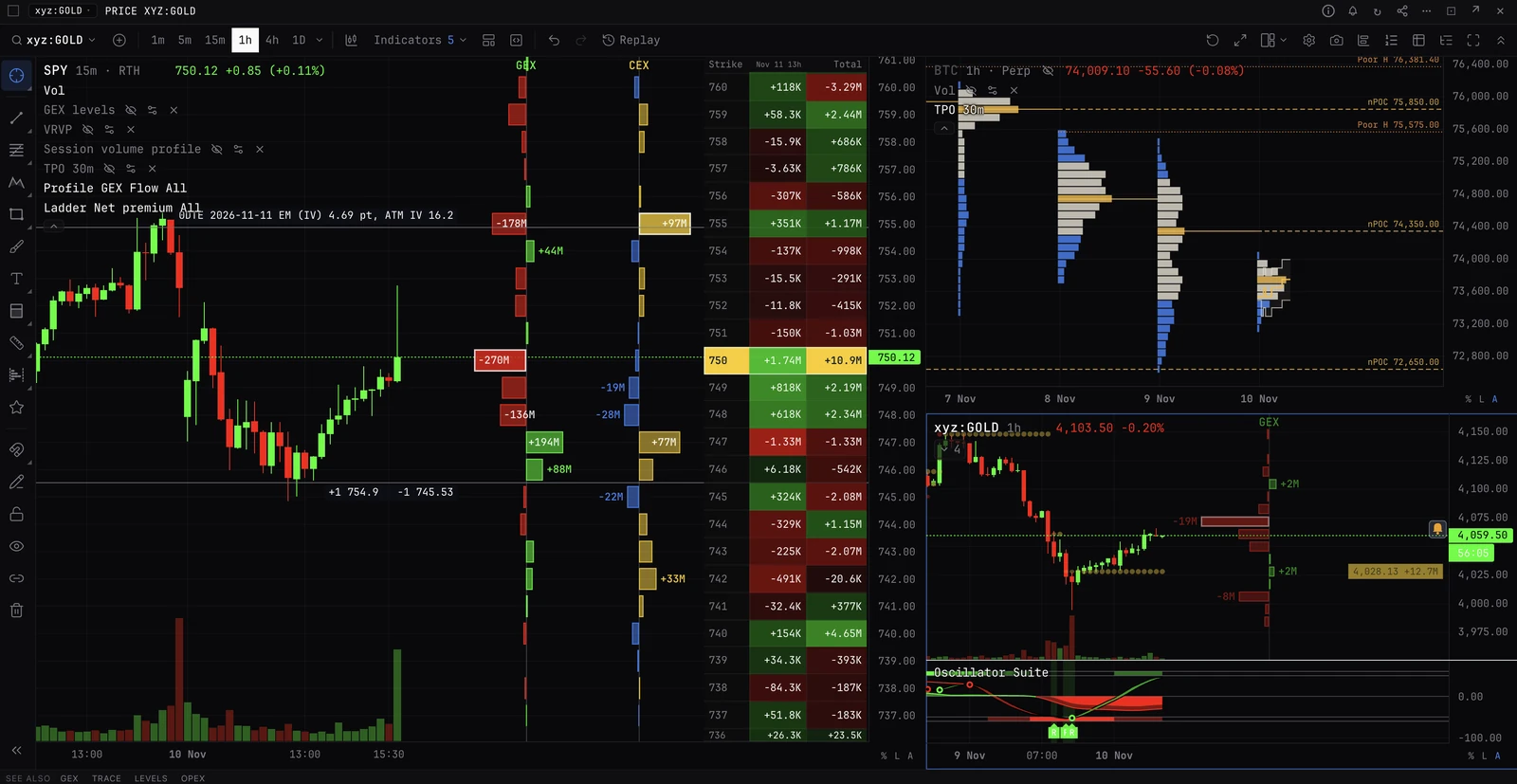
The same data can sit on the price chart. Press / on the chart and search for:
Pairs well with
Questions
How is HEATMAP different from GEX?
GEX draws one profile as bars. HEATMAP shows the same positioning as a coloured ladder, lets you switch metric, and puts up to four tickers next to each other.
Can I compare tickers?
Yes. LADDER view holds up to four tickers side by side. PRESETS loads a ready-made set, or type one into + ticker.
What does the gold cell mean?
The peak strike: the strike with the largest exposure on the ladder. Its strike is also in the column header next to PEAK.