Expiry Countdown
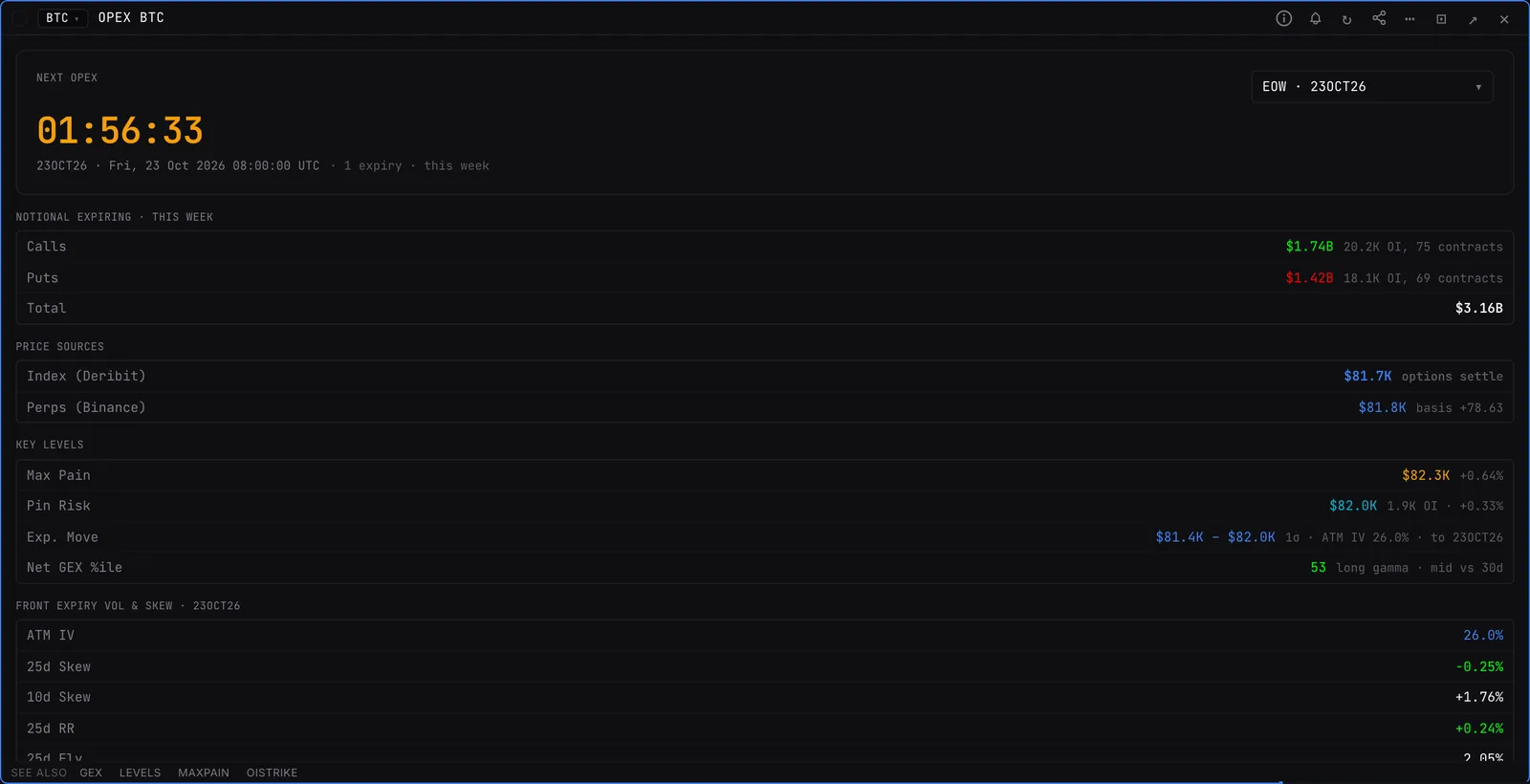
One expiry and everything that matters into it: countdown, open interest, put/call ratio, max pain, ATM IV and the expected move. It shows how much of the expected move spot has already used.
OPEXCrypto options (BTC, ETH, SOL, HYPE) and US options, including SPX, SPY, QQQ and single stocks.
Typing it
OPEXSymbol>OPEXBTC
Counts down to the next BTC expiry with its expected move and max pain.
What you see
- Picker. A bucket (0DTE, end of week, end of month, all) or a single expiry. Every number follows the pick.
- Expected move. The range options are pricing into that expiry.
What to look for
- How far spot has already travelled inside the expected-move band.
- Max pain relative to spot as expiry gets close.
Good to know
- Max pain here is computed from the selected bucket, so it can differ slightly from a single-expiry figure.
Also on the chart
The same data can sit on the price chart. Press / on the chart and search for:
Pairs well with
Questions
What is OPEX?
Options expiration. Large expiries can move markets as dealers unwind hedges, which is why the countdown matters.
How is the expected move calculated?
From the price of at-the-money options into the expiry you select.