

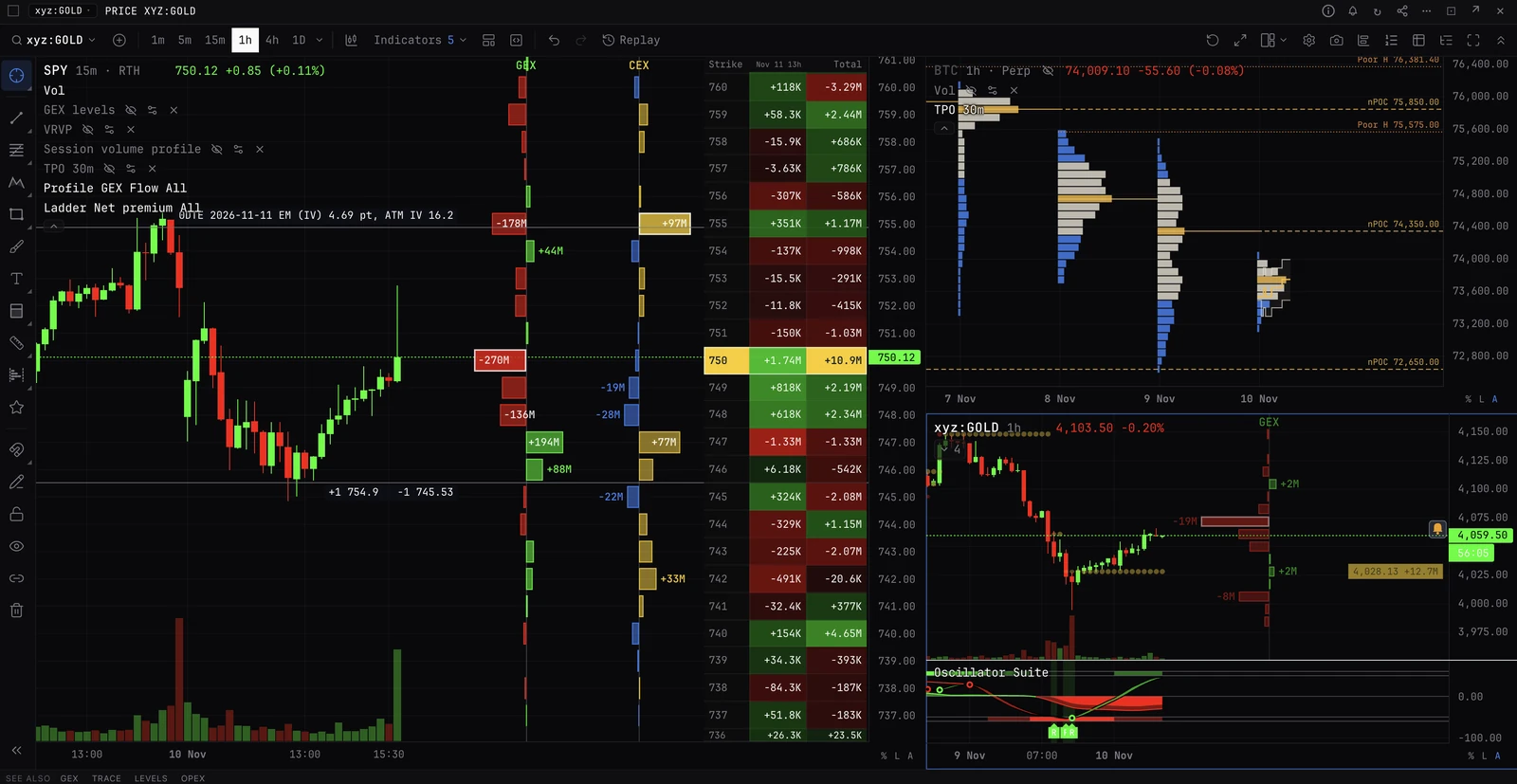
Layouts, watchlist and alerts
Chart layouts of up to eight charts in one panel, the chart’s own watchlist beside them, and alerts you can set straight from the price scale.
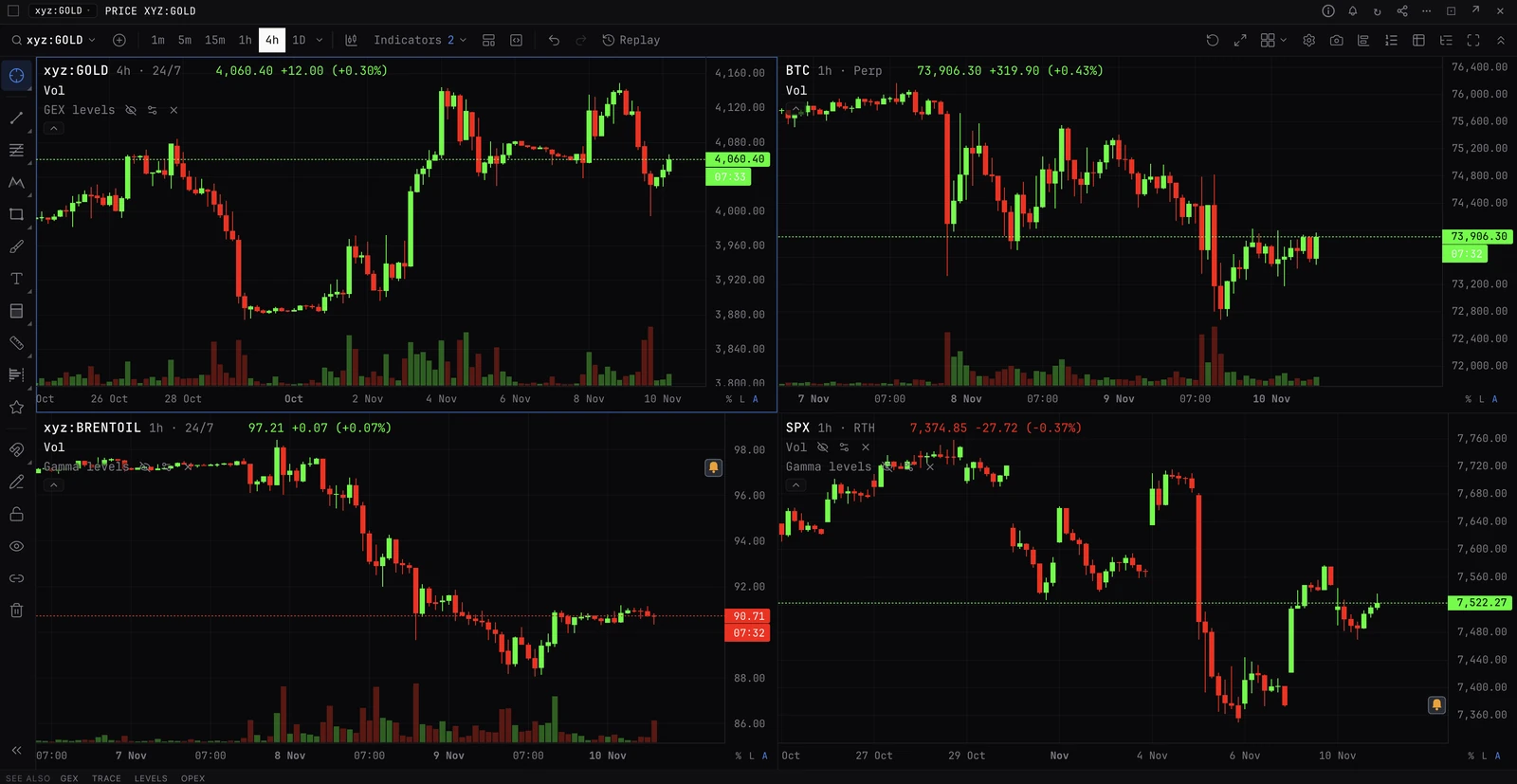
Chart layouts
- 15 layouts from one to eight charts. Drag the dividers to resize, drag a chart’s grip to swap it.
- Sync crosshair, symbol, interval or time across the charts.
- Alt+Enter shows the active chart alone. Press it again to go back.
Watchlist
- Last price and change, sortable, drag to reorder. Pin it left or right. Arrow keys switch the chart.
- Syncs across your devices.
- This is the chart’s own symbol list. It is not Watchlist and markets (XWATCH) on the trade page, the QUOTE board, or alerts (WATCH).
Alerts
- Use the bell by the price scale, press Alt+A, or right-click and choose Add alert at price.
- Crossing, crossing up or crossing down. Once, or every time.
- Chart alerts are watches: they list in Watches & Alerts (WATCH) and arrive the same way, in the app and, on paid plans, by push, email or Telegram.
Good to know
- Free plan: two charts per layout. Paid plans: eight.
- Chart alerts work on BTC, ETH, SOL, HYPE and US equity tickers.