

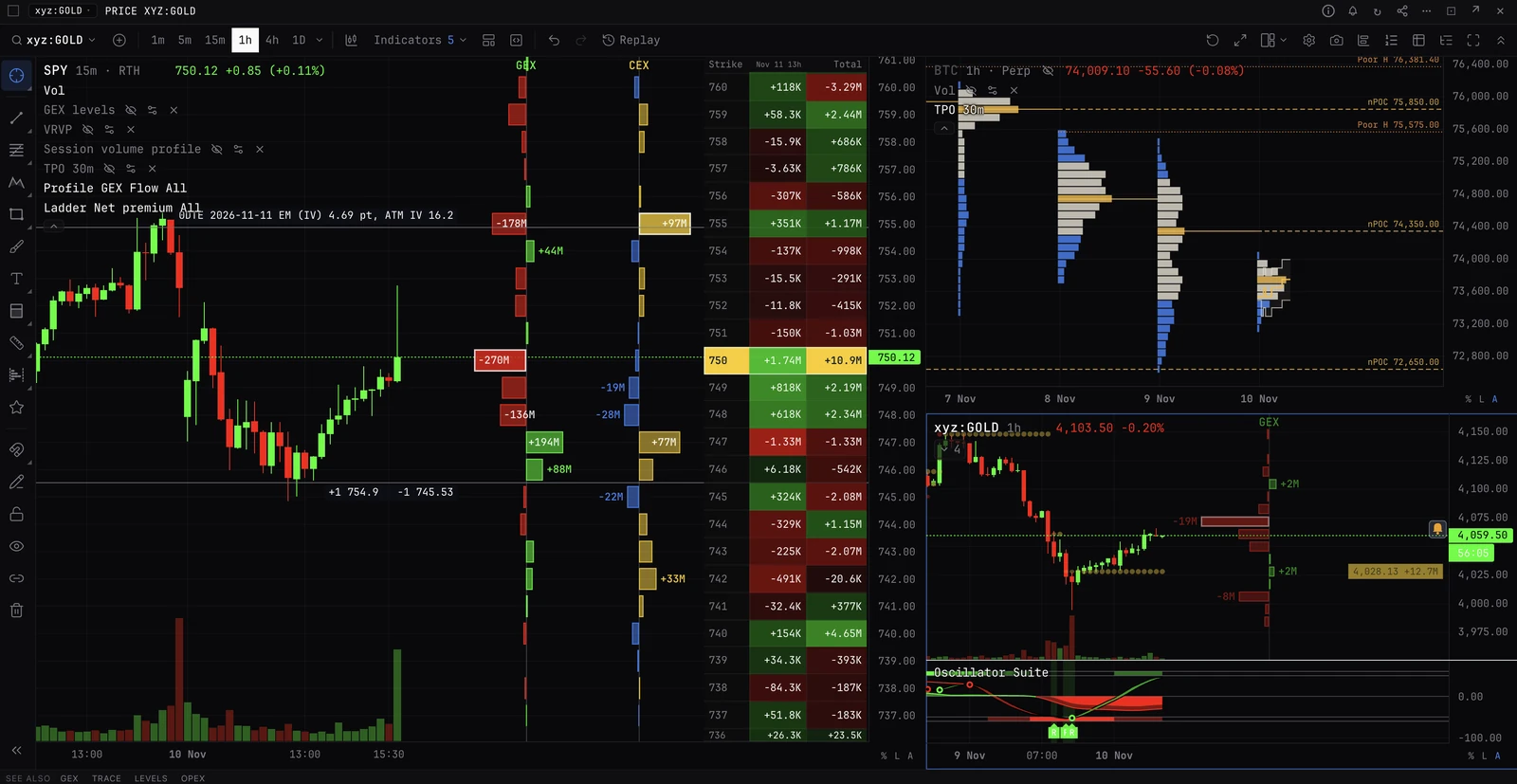
Options Chain
The options chain for one expiry at a time: calls on the left, puts on the right, with IV, open interest, greeks and the mark at every strike. Check an aggregate view against the actual contracts before you trade it.
CHAINCrypto options (BTC, ETH, SOL, HYPE, XRP) and the 45 US options names (4 indices, 14 ETFs and 27 stocks), including SPX, SPY, QQQ and single stocks.
Typing it
CHAINSymbol[Expiry]oi_min=type=>CHAINBTC type=call oi_min=500
Shows BTC calls with at least 500 contracts of open interest, on the front expiry.
What you see
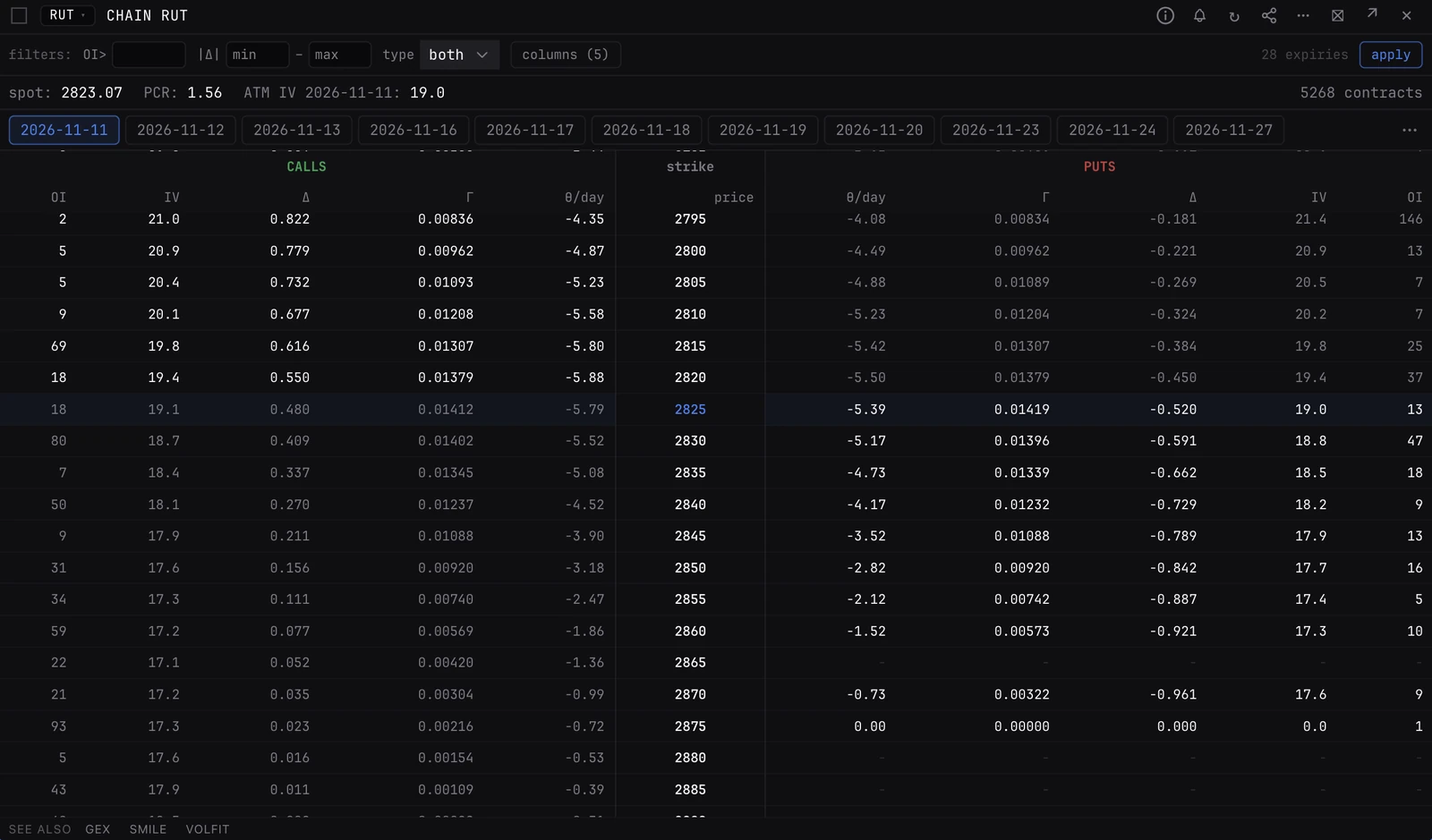
- Ladder. CALLS, strike, PUTS: one row per strike for the selected expiry. The at-the-money row is tinted and each expiry opens scrolled to it. In-the-money cells are brighter.
- Expiry pills. One expiry at a time. It opens on the front live expiry.
- Header. Spot, net GEX with its call and put parts (crypto), the put/call ratio, ATM IV on the front expiry and the number of contracts.
- Columns. OI, IV, delta, gamma, theta per day and mark by default. Volume, vega, vanna, charm and lambda can be added from the columns menu.
How to read it
- OI. Contracts outstanding at that strike. On crypto it is summed across every venue.
- Vol. Contracts traded over the last 24 hours. Off by default.
- mark $. The base venue’s mark price in dollars (one exchange’s mark, not a mid). A dash means no quote.
- Greeks. Theta and vega are in coin terms on crypto and dollars per share on US options.
What to look for
- Check an aggregate view, such as a GEX wall, against the real contracts before you trade it.
- The expiry carrying the open interest, which is often not the one you assumed.
- Strikes with heavy OI but no volume: positions that are being held, not traded.
Arguments and filters
- Expiry
- Open on one expiry, typed as it is listed: 28MAR26 on crypto, 2026-11-20 on US options.
- oi_min= / oi_max=
- Keep contracts within an open interest range.
- delta_min= / delta_max=
- Keep a delta range, for example delta_min=0.2 delta_max=0.5. 25 is read as 0.25.
- strike_min= / strike_max=
- Keep a strike range.
- type=
- call or put. Both by default.
- Filter strip
- OI>, |Δ| range, type and columns inside the panel. Press apply to use them.
- Right-click
- Copy a value, strike or row, filter to a strike, or open SURFACE, SMILE or the strategy builder with that contract. With a trading desk open in the tab (EXEC), load it into the desk’s ticket to buy or sell, or add it as a leg. Nothing is sent.
Good to know
- US chains have no mark, volume or GEX. Their default columns leave the mark out.
- Pressing apply in the filter strip keeps an expiry and a strike range typed in the command.
- Column widths can be dragged. Headers do not sort: rows always run in strike order.
Pairs well with
Questions
Can I filter the chain by delta?
Yes. Add delta_min= and delta_max= to the command, or set the |Δ| range in the filter strip and press apply.
Why does the chain show only one expiry?
The chain is laid out like an exchange ladder, one expiry at a time. Click another expiry pill to switch.
Is the mark a mid price?
No. It is one exchange’s mark price. The IV column blends every venue’s mark IV by open interest, so the mark and the IV need not match.