

What's New
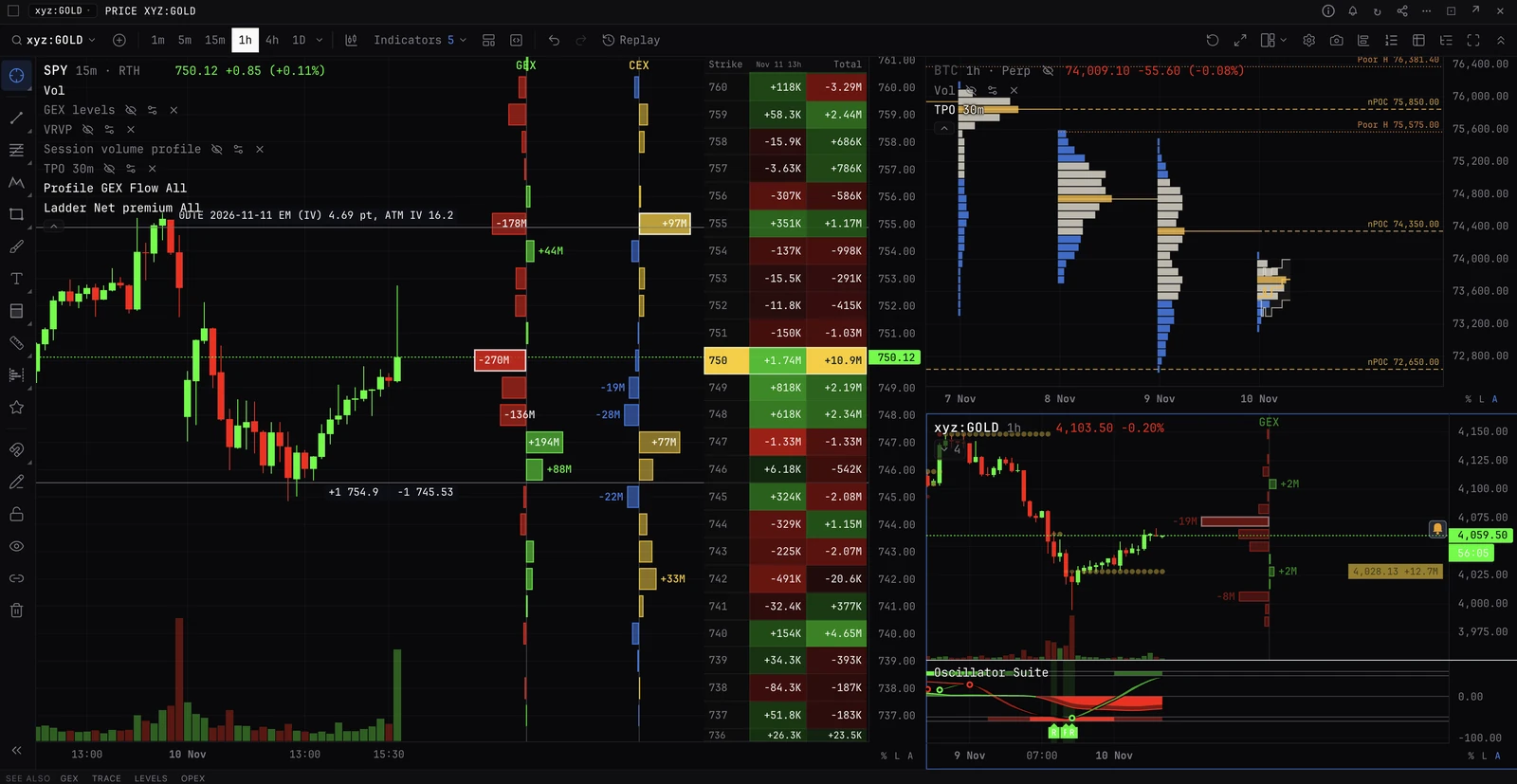
Recent additions to the terminal, one at a time, each with a live preview on your coin and a button to add it to your workspace.
WHATSNEWCHANGELOGRELEASEWHATNEWWHATS-NEWThe whole terminal.
Typing it
WHATSNEW>WHATSNEW
Opens the latest addition first.
What you see
- Items. One feature at a time, dated, newest first, with a line on what it is and where to find it.
- Preview. The real chart or panel with the feature on, drawn live on your coin (a US equity feature on its own ticker, such as SPY), so it never goes stale.
- Add to my workspace. Opens the same setup in your workspace. Some items open a command instead and name it on the button.
- Back and Next. Move between items, as do the arrow keys. Done closes it on the last one.
Pairs well with
Questions
Can I see it again after closing it?
Yes. Type WHATSNEW at any time.
Does it list fixes?
No. Each item is a feature you can see and use. Fixes and behind-the-scenes work are left out.