


Notes
Your own markdown notepad, kept in your workspace, with named notes you can save, load and switch between. For the notes BackQuant publishes before each session, see REPORT.
NOTENOTESNot tied to a symbol.
Typing it
NOTE>NOTE
Opens a blank note.
What you see
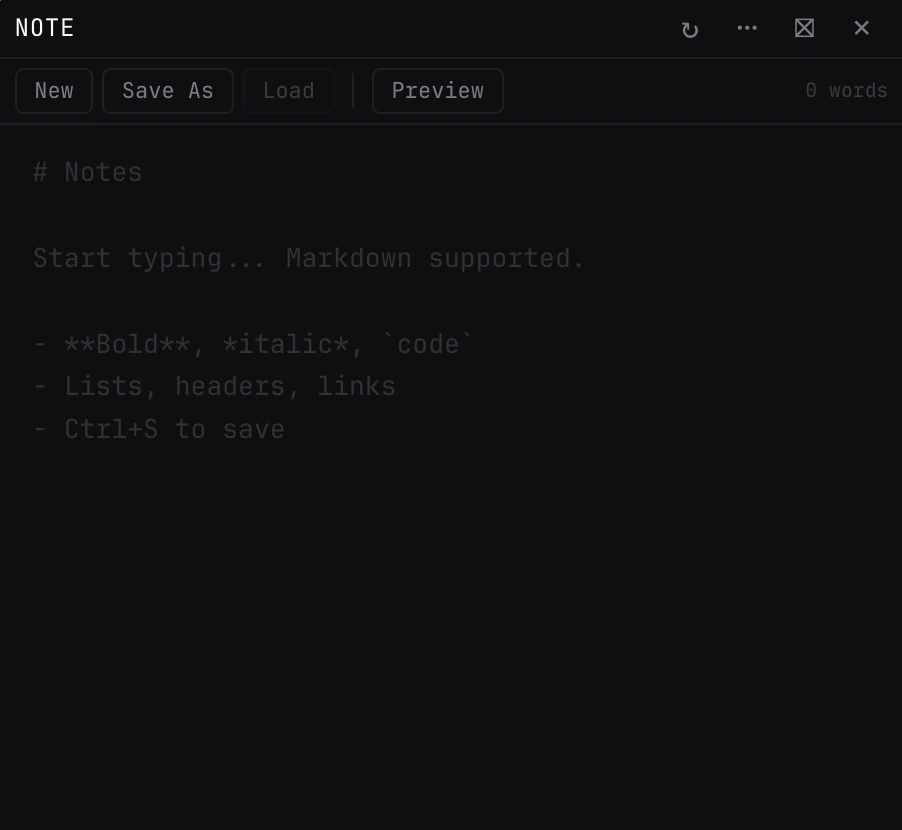
- Editor. Type in markdown: headers, bold, italic, code, lists and links. Tab inserts two spaces. Preview renders it, Edit goes back.
- New, Save, Load. New starts a blank note. Save As names one; once named, Save and Ctrl or Cmd+S update it. Load switches between saved notes, and × on a row deletes it.
- Name. The open note's name shows in the toolbar.
Pairs well with
Questions
Where are my notes kept?
In the panel itself, with your workspace: the text and the saved notes stay through reloads, pop-outs and saved views. Closing the panel deletes them; the undo toast brings them back.
Can I keep several notes?
Yes. Save each under a name and switch between them with Load.
Is NOTE the same as REPORT?
No. NOTE is your own writing. REPORT shows the notes BackQuant publishes for each session.