


Help
Getting started, keyboard shortcuts and every command grouped by category, in one panel.
HELP?DOCSThe whole terminal.
Typing it
HELP>HELP
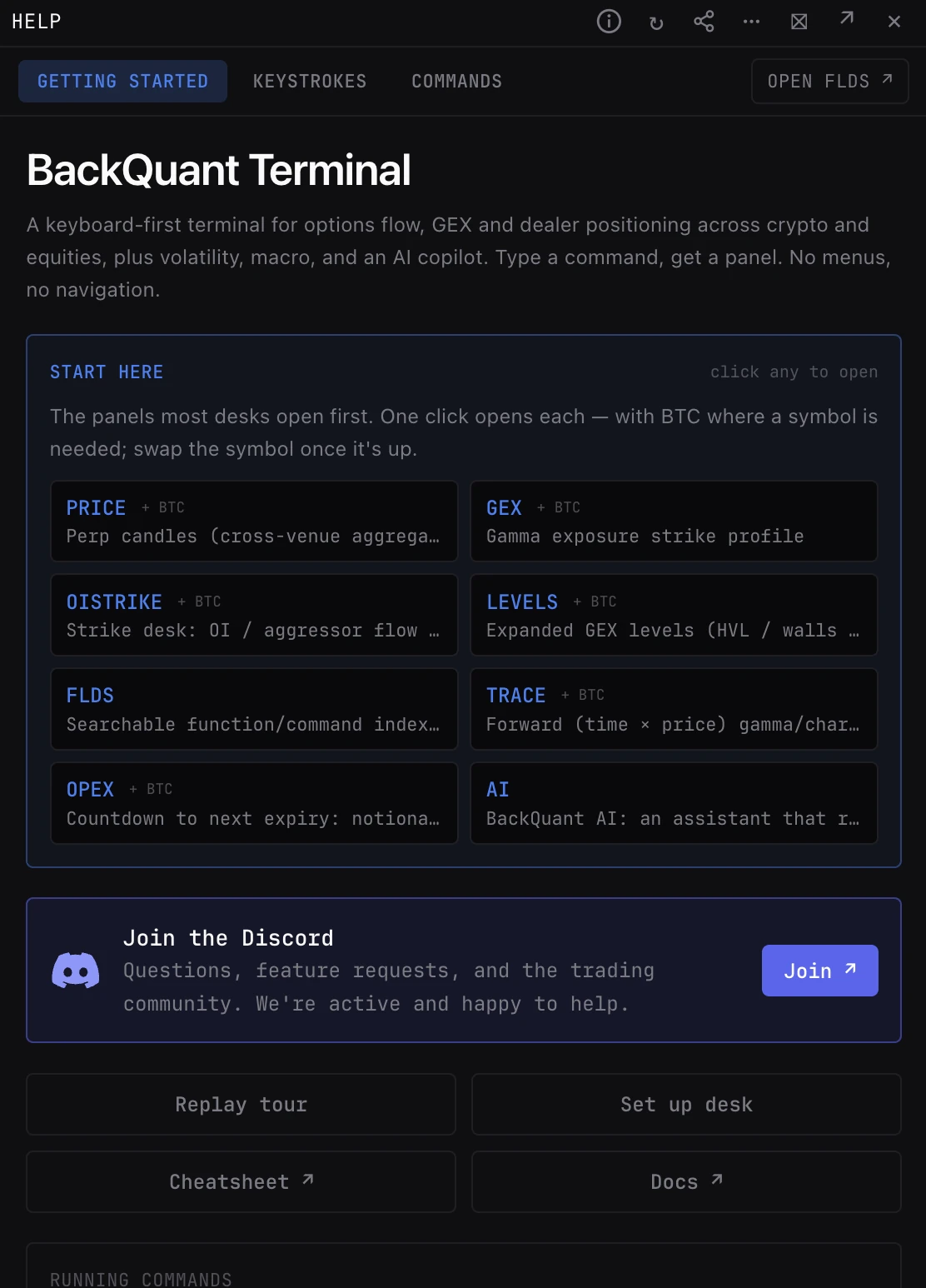
Opens the help panel on Getting Started.
What you see
- Getting Started. The commands to try first, how to type a command (VERB then SYMBOL), how panels and layouts work, and Join the Discord for questions and requests.
- Buttons. Replay tour; Set up desk, which reopens the setup that builds a starting workspace; Cheatsheet; and Docs, these pages.
- Keystrokes. Every keyboard shortcut.
- Commands. All commands by category, with a filter box. Built from the command list itself, so it is always current. A button opens FLDS.
Pairs well with
Questions
HELP or FLDS?
HELP is a reference list in a panel. FLDS is the visual browser with a guide for each function. Both cover every command.
How do I run a command?
Press ` (backtick) anywhere or click the command bar, then type VERB SYMBOL, such as GEX SPX. Leave out the symbol to use your default ticker; Tab completes a command.