


Notifications
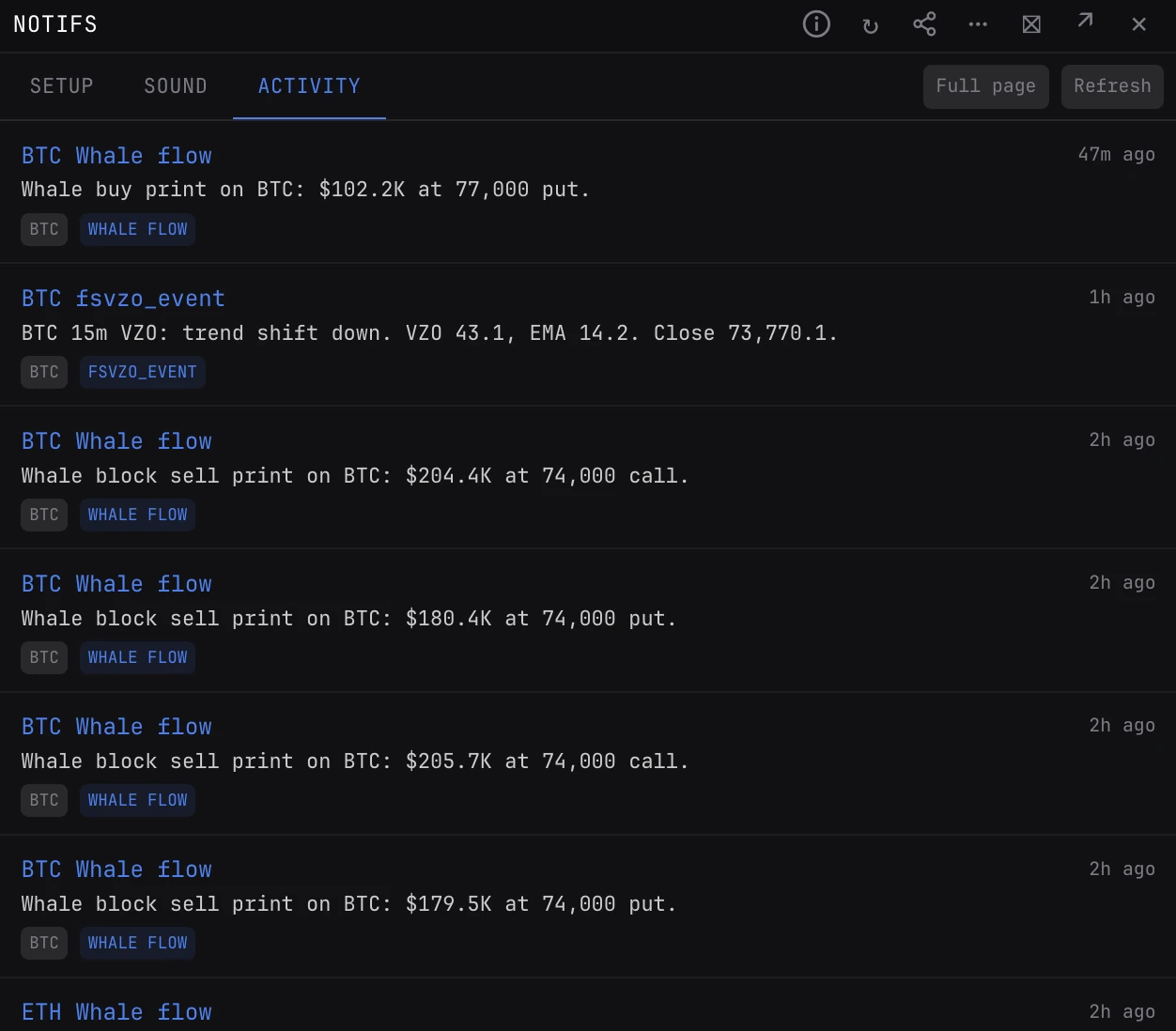
The Activity tab of Watches & Alerts (WATCH): the feed of watches that have fired, each with the condition and the reading that set it off.
NOTIFSNOTIFICATIONSINBOXEvery watch on your account.
Typing it
NOTIFS>NOTIFS
Opens Watches & Alerts on the Activity tab.
What you see
- Activity. One row per fire: the watch's name (or its symbol and condition), how long ago, the reading that set it off, and tags for the symbol and condition.
- Unread. The Activity tab shows how many fires are new; opening it marks them read.
- Setup and Sound. The other two tabs of Watches & Alerts: Setup creates watches; Sound sets the alert sound and how alerts reach you.
- Paused or quiet. While alerts are paused or in quiet hours (set on the Sound tab), push, Telegram and email are held, but fires still land in Activity.
Good to know
- On paid plans watches run on our servers, so they keep firing after you close the terminal and the feed shows what fired while you were away. On the free plan alerts arrive in the app only.
Pairs well with
Questions
One alert keeps firing. What should I do?
Widen its threshold in Setup. An alert that fires constantly is noise.
Why is the feed empty?
No watch has fired yet. Turn on a trigger in Setup and it shows here the moment it fires.