

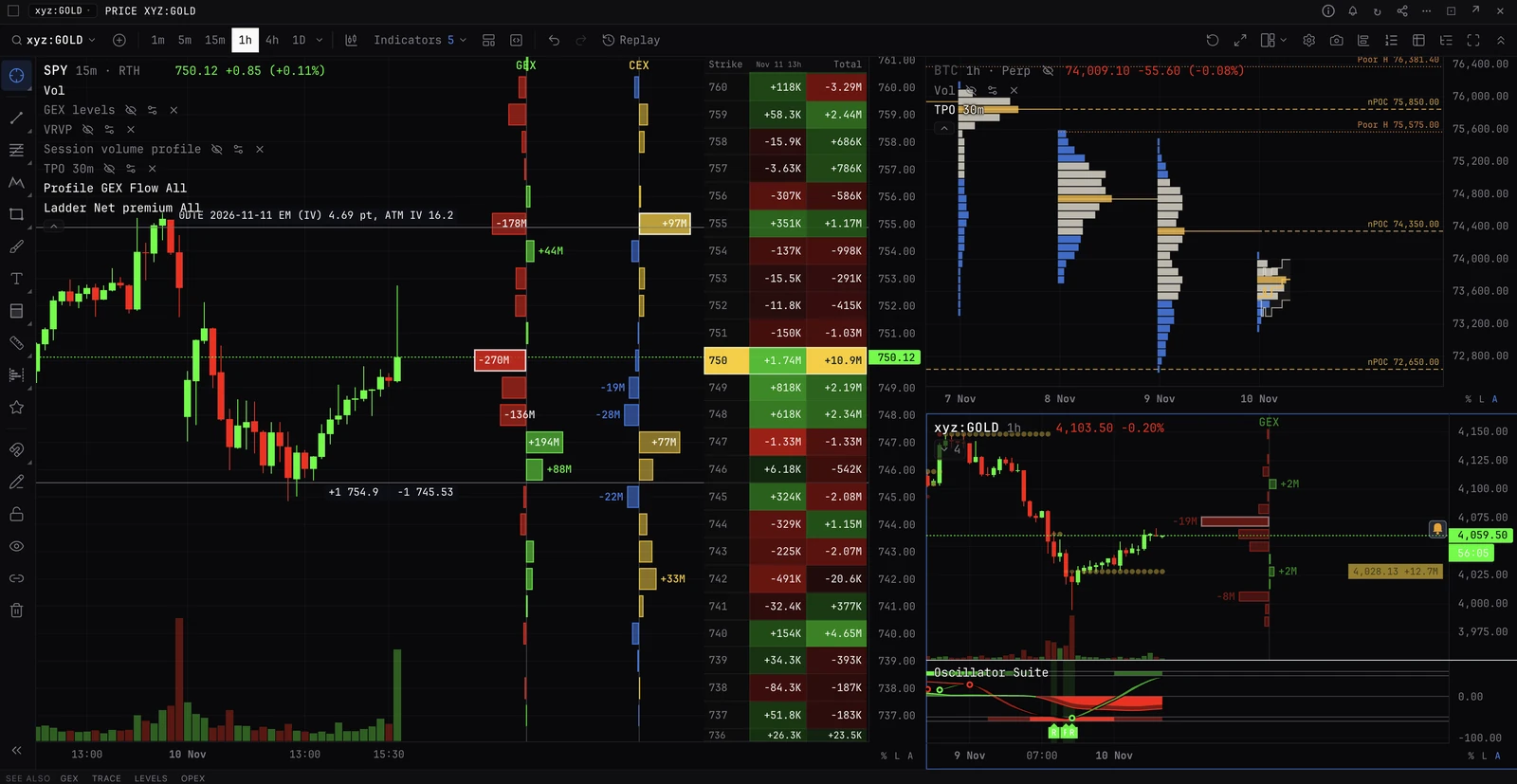
Set a stop and take profit
With the entry, on a position you already hold, or by dragging on the chart.
With the entry
- 01Fill the ticket as usual, Limit or Market. It cannot be reduce-only.
- 02Switch on Take profit / stop loss.
- 03Type the Take profit, the Stop loss, or both. Under each: the move from the entry, and the ROE at your leverage.
- 04Submit. Where the exchange holds exits with the entry, they work with BackQuant closed; which exchanges do, and what happens on the others, is in Stops, exits and hedges.
On a position you hold
- 01In Positions and orders, on the Positions tab, press Set in the TP / SL column. If stops stand already, the cell shows them: press it to change them.
- 02Type the Take-profit and the Stop-loss, or press +2%, +5%, +10% or -2%, -5%, -10% from the mark. Each shows its distance from the mark and the P&L there.
- 03Where offered, choose what it Watches (Mark, Last or Index), or tick Trailing stop.
- 04Press Set at the venue. The exchange holds it.
On the chart
- 01Drag from your LONG or SHORT line. The position stays where it is.
- 02A TP or SL line follows you, with its % from the entry and the P&L for the whole position there.
- 03Let go. Armed, it is sent at once. Locked, the chart asks: Place.
- 04Drag an SL or TP line to move it; the x cancels it. Both ask first unless the market is armed.
At breakeven
- 01On the Positions tab of Positions and orders, press Close on the position.
- 02Choose Stop at breakeven, or Stop at breakeven, every position.
- 03Press Set the stop. The price must be past your entry by two ticks or 0.05%, whichever is more, and a stop already tighter is never loosened. Perps and futures only.
Good to know
- Set in the TP / SL column is on Binance futures, Bybit, Hyperliquid and OKX, whose exchanges hold stops on the whole position. On the others, drag on the chart, or use More, then Stop / take profit.
- On Derive, on options, and on spot on Hyperliquid, Lighter, OKX and Binance, the switch reads Take profit / stop loss, watched in this tab: the take profit rests at the exchange, and BackQuant watches the stop while any BackQuant tab is open in this browser.
- On Binance futures and RISEx, BackQuant places both as the entry fills: keep a BackQuant tab open until it fills.
- A stop of its own: More, then Stop / take profit. Choose the Purpose, When it fires (Market or Limit) and the Trigger. It fires on the Mark price by default, so one wick on the last trade does not set it off.
- A trailing stop: tick Trailing stop in the TP / SL window, or More, then Trailing stop, where the exchange offers it.
- By hotkey: give Stop loss to breakeven a key in Trading settings, Hotkeys. Pressed on the position’s market, with a Positions and orders panel showing its positions, it asks the same confirmation. Cancel stops and take profits, also with no key at first, cancels every stop and take profit standing on that market while armed.
More
- Stops, exits and hedges. Every exit control, and which exits each exchange holds.
- How exits, closes and rolls work. What the engine does with a stop it watches, and with an entry’s exits as it fills.